
Product attributes
Attributes provide a flexible way to model product-specific properties beyond basic fields such as name and item number.
Create an attribute
Step 1: Open Attribute in the PIM settings.
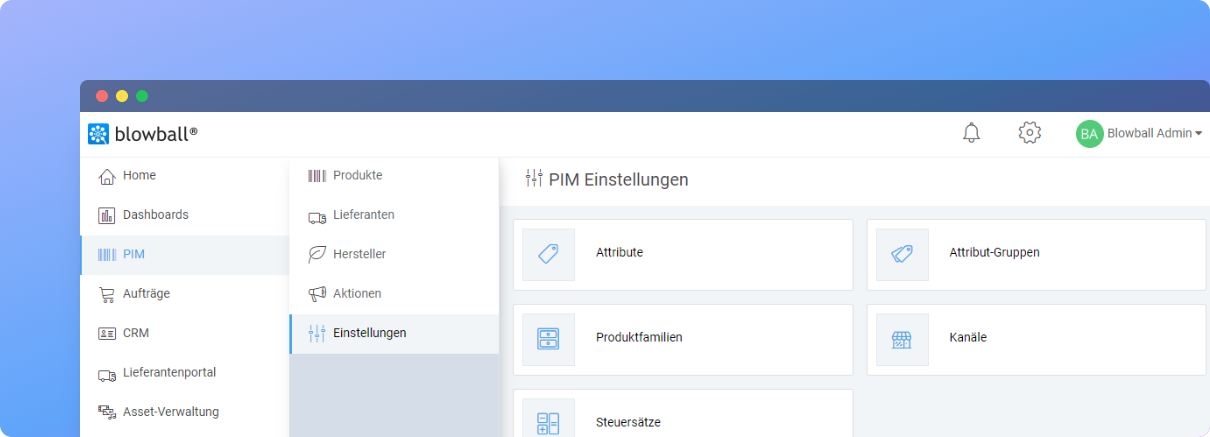
Step 2: Select Neues Attribut (New attribute), enter the basic information and optionally assign an attribute group.
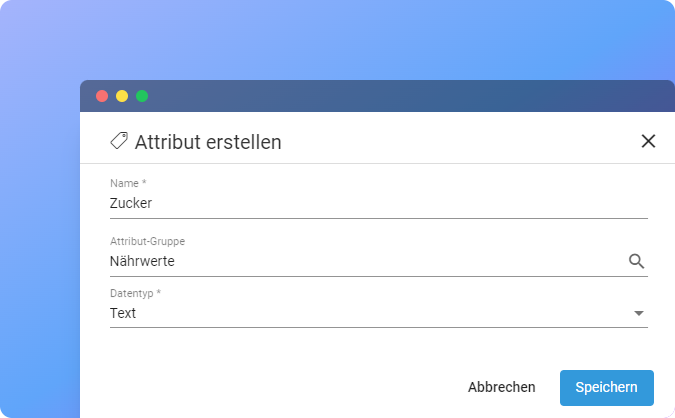
Data types
| Data type | Purpose |
|---|---|
| Text | Formatted text for summaries, notes and descriptions. |
| Integer | Whole numbers. |
| Decimal number | Numbers with decimal places. |
Step 3: Save the attribute.
Edit attributes
- Attributes can be updated at any time.
- They can be grouped and assigned to specific product families.
Is anything unclear or missing? Let us know.